
Google Reviews Not Posting? How to Tell If You’re Blocked
Blocked, filtered or removed? Three checks tell you which. Plus what the 30-day block really means and what to do while you wait it out.
Six customers told you they left a review last month. You can count. There are no new reviews on the profile.
The usual assumption is that Google filtered them. Most of the time it didn’t. If nobody’s review is landing, the profile itself has stopped accepting them, and that’s a different problem with a clock attached. The trigger is almost never the reviews. It’s the pattern: several posted in one afternoon, all from the same building on the same network.
A Google review posting block means Google has stopped accepting new reviews on your business profile, usually for about 30 days. Customers who try see “Posting reviews is turned off for this place.” That’s different from filtering, where one review vanishes and everyone else’s sticks. Blocks generally run their full term, and appealing rarely shortens one.
Filtered, removed, or blocked: three different problems
These get lumped together and they behave nothing alike.
Filtering hits one review. A customer writes it, it shows up on their end, and it never appears publicly. Everyone else who reviews you that week is fine. That’s Google’s spam scoring applied to one piece of content, usually from a brand-new account.
Removal takes reviews you already had. The count drops overnight, with no notice and no explanation. That’s a sweep, and it’s what we covered in Google deleted 292 million reviews last year.
a bunch of her older reviews just disappeared overnight. No explanation from Google, no email, nothing.
A posting block is forward-looking. Your existing reviews sit there untouched and nothing new gets in. The count freezes the day the block lands, and it stays frozen while your competitor down the road in Apex keeps stacking them up.
Old reviews missing means removal. New reviews missing means a block.
How to confirm a posting block in ten minutes
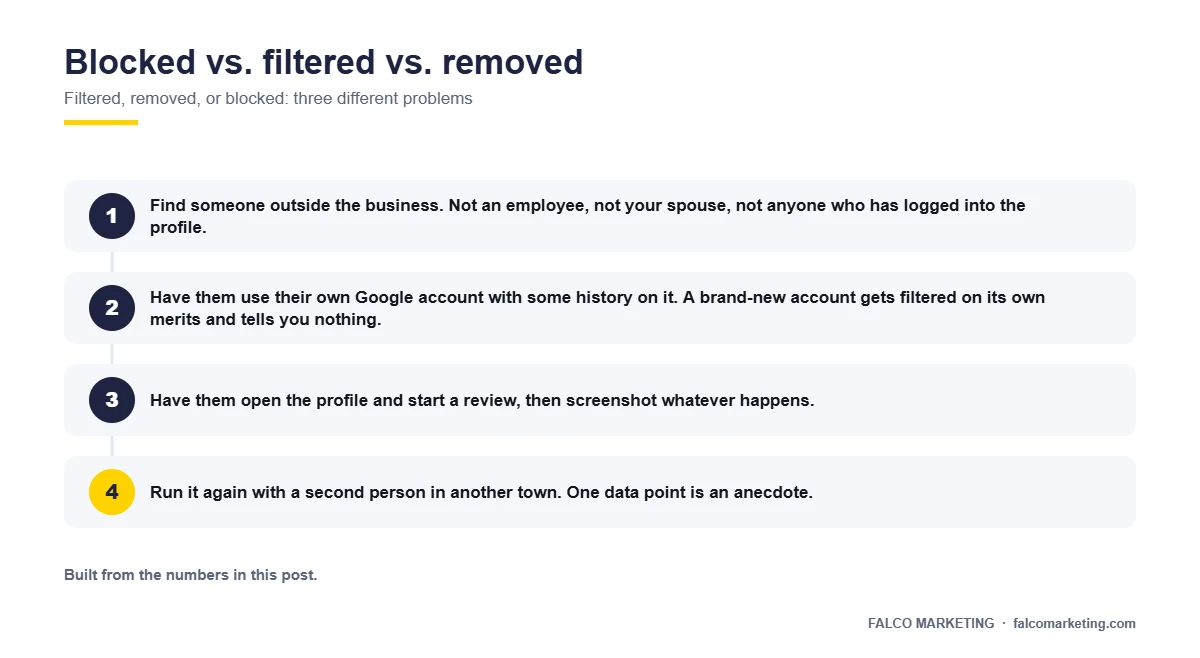
You cannot test this from the front desk. Your account, your building, your wifi: that’s exactly the setup a block flags. Do it this way instead.
- Find someone outside the business. Not an employee, not your spouse, not anyone who has logged into the profile.
- Have them use their own Google account with some history on it. A brand-new account gets filtered on its own merits and tells you nothing.
- Get them off your office wifi and onto cellular data, away from your address.
- Have them open the profile and start a review, then screenshot whatever happens.
- Run it again with a second person in another town. One data point is an anecdote.
If both see “Posting reviews is turned off for this place,” or the review option is missing entirely, that’s a profile-level block. If they can post normally, you’re looking at filtering on specific customers, which is a smaller fire.

Why nobody told you
There is no notification. No email, no dashboard banner, no flag anywhere in the Google Business Profile interface. Log in and the profile looks exactly like it did in August.
So owners spend three weeks blaming the wrong people. The front desk gets asked whether they’re really handing out the cards. Somebody buys a review tool. None of it moves the number, because the number can’t move.
A suspension at least tells you it happened. A posting block quietly shuts the faucet, and the only people who know are the customers staring at a greyed-out button in your lobby.
What most likely triggered it
Sterling Sky’s February 2026 analysis of posting blocks found they correlate with reviews submitted from inside the business location, QR codes used at a counter or checkout, and bursts of 10 or more reviews in one day. Sustained volume well above your own baseline is the other one, and it’s the ugly one. Sterling Sky documented a business that held 2.75 times its normal review volume for three months and lost 342 of its 595 reviews.
Notice what isn’t on that list. Nothing about the reviews being fake. A roofing crew in Wake Forest handing an iPad to genuinely delighted homeowners on the tailgate can trip this, because the signal Google reads is location and timing, not sincerity. The pattern we run into most on Triangle profiles is the tablet at the front counter, and it belongs to the friendliest offices we audit.
Fixing the collection habit is the subject of how to get reviews without getting your profile blocked. Don’t start there today. You’re still confirming what you have.
What the 30 days actually mean
Thirty days from the last triggering activity, not from the day you noticed. If your QR code sat on the counter for two weeks after the block hit, the clock has been resetting itself while you stood there.
Sterling Sky’s data shows blocks typically run the full duration. Not seven days if you’re polite about it. The full term.
Reviews customers attempt during the block do not queue up and land on day 31. They were never accepted. That long one your best customer in Clayton wrote about your tech staying until 9pm is gone, and she has to write it again.
Turn off the automated requests today
If a CRM, an invoicing tool or a review platform is firing requests automatically, kill the sequence now. Every request sent during a block produces a customer who tries, fails, and gets annoyed at you.
Should you appeal? An honest answer
Appeal once. Then stop.
Blocks run their term whether or not you appeal, so an appeal is worth ten minutes and is not worth three weeks. What burns owners is the second half: the loop of support chats and escalation forms that produces nothing but the feeling of having done something.
google’s appeal process is basically a chatbot now
And the part most agencies won’t say: if someone offers to “escalate your case with our Google contact” for a fee while your profile is under a posting block, they are selling you the same wait you’d get for free.
What to do while you wait, week by week
The waiting is the work. Do it right and day 31 is a soft landing instead of a second block.
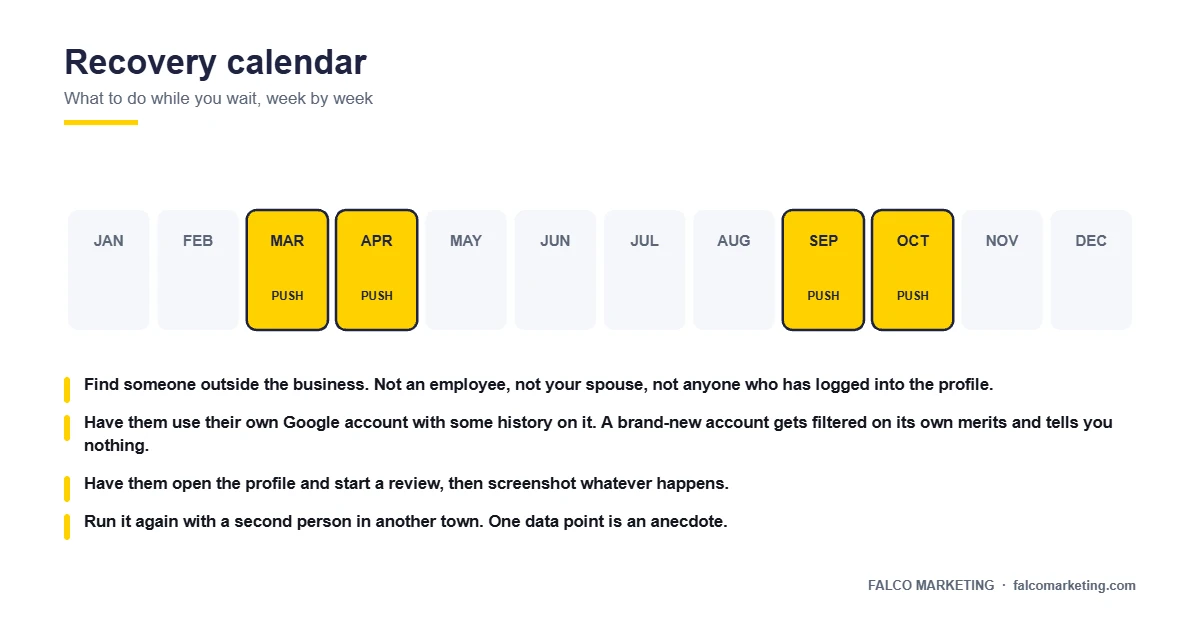
Days 0 to 3. Stop every review request going out. The automated sequence, the QR code on the counter, the card in the invoice folder, the line in your techs’ closing script. Put the physical stuff in a drawer so nobody sets it back out.
Days 3 to 30. Write down your real baseline: how many reviews you averaged per month before this started. Save the screenshots from your test. Keep a list of every customer who tried and couldn’t, because that’s your day-31 call sheet.
Day 30. One test review from one person outside the business, same conditions as before. If it posts, you’re clear. If it doesn’t, wait another week and test again rather than assuming it’s permanent.
Day 31 and after. Resume slowly and change the method. Same volume plus the same habit equals the same block.
Not sure which problem you have?
Send us your profile link and we’ll run the block test from an outside account off your network, then tell you within a day whether you’re blocked, filtered or caught in a removal sweep. You also get the likely start date of your 30 days, on one page you keep either way. No proposal attached.
Get a block diagnosisOr see how we handle local SEO first.What a block costs you while it runs
Owners fixate on the count. The count barely matters here.
High numerical ratings rank sixth among local pack factors at 181 points in Whitespark’s 2026 Local Search Ranking Factors, where 47 experts scored 187 factors. Your rating doesn’t move during a block. Recency does, and the same researchers call it the most underrated local ranking factor. Thirty days of no new reviews is thirty days of no fresh signal, and that’s the real damage.
Then there’s the buyer reading your profile.
BrightLocal also found that 83% of consumers who get asked to leave a review actually write one. So the cost isn’t 30 days of reviews. It’s 30 days of every review you would have earned by asking, right when a homeowner in Cary is comparing your profile against two others.
When it isn’t a block at all
Four symptoms look alike from the parking lot and need completely different responses.
| What you see | What it is | What to do |
|---|---|---|
| Profile gone from Maps and search, dashboard shows a warning | Suspension | Reinstatement process, the playbook is here |
| Existing review count dropped, profile still live | Removal sweep | Document what was lost, read this |
| Profile live, count frozen, customers see “posting turned off” | Posting block | Stop requests, wait out 30 days, test on day 30 |
| One customer’s review missing, everyone else’s fine | Filtering | Nothing to fix at the profile level |
Caption: Check the dashboard first. Only a suspension shows you a warning there.
The one-page block diagnosis worksheet
Print it and work it in order. Ten minutes of testing beats three weeks of guessing.
Block diagnosis worksheet
- Compare today’s review count to last month’s. Lower means removal, not a block.
- Check the dashboard for a suspension warning. Nothing there rules suspension out.
- Have two people outside the business try to post from their own accounts on cellular data.
- Screenshot what each of them sees, including the exact wording of any message.
- Write down the last date you ran anything that could have triggered it: a QR code at the counter, a batch of in-office requests, an email blast.
- Count 30 days from that date, not from today. Mark day 30 and day 31 on the calendar.
- Turn off every automated review request in every system you own.
- Start a list of the customers who tried and failed.
Day 31 decides whether this happens again
The way most Raleigh service businesses collect reviews is exactly what trips a block: everybody at once, in the building, on the same wifi. Our companion piece lays out the request system that keeps volume steady and the pattern clean, so you’re not doing this again in March.
Read the 2027 review rulesRather have a person look at it? Book a 20-minute call. No proposal, no follow-up emails.Frequently asked questions
How do I know if I’m blocked instead of just filtered?
Have someone outside your business try to leave a review on their own phone and their own cellular data. If nobody can post and they see “Posting reviews is turned off for this place,” that’s a profile-level block. If one customer’s review vanishes and everyone else’s sticks, that’s filtering.
How long does a Google review posting block last?
Sterling Sky’s February 2026 analysis found blocks typically run the full 30 days and keep running regardless of appeals. Count from the last triggering activity, not from the day you noticed.
Is it worth appealing?
Appeal once and move on. Blocks run their full term either way, so the appeal is worth ten minutes and not worth three weeks in a support chat.
Do the reviews my customers tried to leave during the block come back afterward?
No. They were never accepted, so nothing is sitting in a queue. Keep a list of who tried and ask them again once the block clears.
What do I do on day 31?
Test with a single review from one person outside the business, then rebuild deliberately. Same volume and the same collection habit puts you right back here.
Can my agency get the block lifted faster?
No, and be careful with anyone who says otherwise. Blocks run on a timer, not on relationships. What an agency can do is confirm the diagnosis and fix what caused it before day 31.
Figures current as of October 2026. We update this post when Sterling Sky’s block research refreshes.